

Affiliate Disclosure: VPNexp.com is reader-supported. We may earn a commission if you purchase a VPN through links on our site. This does not affect our rankings or recommendations.
Best VPNs for Streaming (2025): 7 Top Picks, Compared
A streaming VPN has one job: make your shows play smoothly—especially on hotel Wi-Fi, travel networks, and unpredictable connections—without turning into a weekly troubleshooting project. The best choices are fast, reliable, and easy to use on phones, laptops, and TVs. Below are the seven VPNs we’d consider first for streaming in 2025, with clear tradeoffs for each.
This roundup focuses on real streaming use: consistent speeds, stable playback, quick server switching, and apps that behave well on smart TVs and streaming sticks. You’ll also get a decision guide for different households and travel styles.
Table of Contents
- Quick verdict
- The 7 best VPNs for streaming
- At-a-glance table
- What matters for streaming VPNs
- Streaming on TVs & streaming sticks
- Speed & consistency (the “buffer test”)
- Feature comparison
- Use-case table (pick by scenario)
- Pros & cons (top two picks)
- Who it’s for / not for
- Decision guide
- FAQs
- Final recommendation

Quick verdict
Best overall for streaming: NordVPN. It’s fast and consistently stable, which is what keeps 4K streams smooth and makes travel streaming less annoying. It also offers several practical ways to watch on TVs and streaming devices.
Best value for households: Surfshark. If you’re protecting a lot of devices (phones, tablets, laptops, smart TVs), the “no device limit” approach is a real quality-of-life improvement. You can cover a whole household without counting logins.
Best “just works” simplicity: ExpressVPN. It tends to be extremely straightforward across devices and is a strong choice for people who want to avoid fiddling, especially on streaming hardware.
And if you want more specialized picks—privacy-first, budget-friendly streaming, or easy TV support—keep reading. The “best” VPN depends heavily on where you watch, how many devices you use, and how much tinkering you’re willing to tolerate.
The 7 best VPNs for streaming
These are the seven VPNs we’d put at the top of the list for streaming in 2025. Each pick includes a plain-English reason to choose it—and a reason you might not.
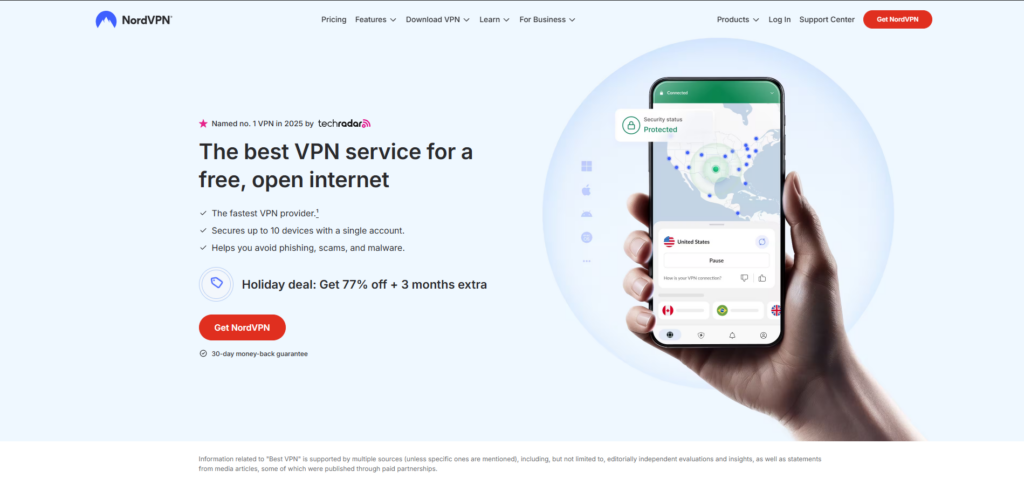
1) NordVPN — Best overall for streaming
If you want one VPN that handles most streaming situations well—fast home internet, hotel Wi-Fi, and quick server switching—NordVPN is the easiest recommendation. The big advantage isn’t a flashy feature. It’s consistency. Streams start quickly, playback tends to stay smooth, and the app experience feels polished across devices.
For streaming, speed is only half the story. The other half is reliability: can you keep a stable connection long enough to finish an episode without the app silently reconnecting or degrading quality? NordVPN’s strength is that it tends to be steady even when your network isn’t.
It’s also a strong pick if you stream while traveling. When you’re hopping between cafés, airports, and short-term rentals, a VPN that reconnects quickly and doesn’t behave strangely on new networks matters more than a theoretical top speed on an ideal connection.
Downside: It’s usually priced as a premium option. If you’re primarily streaming on a couple of devices and you’re value-first, Surfshark may be the better deal.
2) Surfshark — Best for families and lots of devices
Surfshark’s superpower is simple: unlimited devices on one account. For streaming, that can be huge. You can protect phones, tablets, laptops, and a couple of TVs without constantly deciding which device gets coverage today.
In day-to-day streaming, Surfshark is fast enough for most households and handles typical regional server switching well. It’s especially helpful if you’re the person in charge of tech in your home—Surfshark’s app experience stays straightforward, and “set it up once for everyone” is a realistic goal.
Surfshark is also a great travel VPN for groups. One account can cover the whole family’s devices, which is both cheaper and easier than managing multiple subscriptions.
Downside: On very distant connections or during peak hours, performance can feel slightly less consistent than NordVPN. For many people, that’s a trade worth making for unlimited devices.
3) ExpressVPN — Best “it just works” streaming experience
ExpressVPN is often the easiest VPN to recommend to people who don’t want to learn anything new. If you’ve ever installed a VPN that looked fine but later caused random streaming hiccups, you’ll appreciate the “calm” experience ExpressVPN tends to deliver. It’s straightforward, stable, and well designed across devices.
ExpressVPN is particularly appealing for streaming hardware—situations where app quality and reliability matter more than a huge feature list. The best streaming VPNs aren’t the ones with the most toggles. They’re the ones that connect quickly, stay connected, and don’t confuse the people using them.
Downside: You’re paying for the polished experience. If you’re value-focused (or managing a big household), Surfshark typically makes more sense. If you want top-tier performance and depth, NordVPN often edges it out.
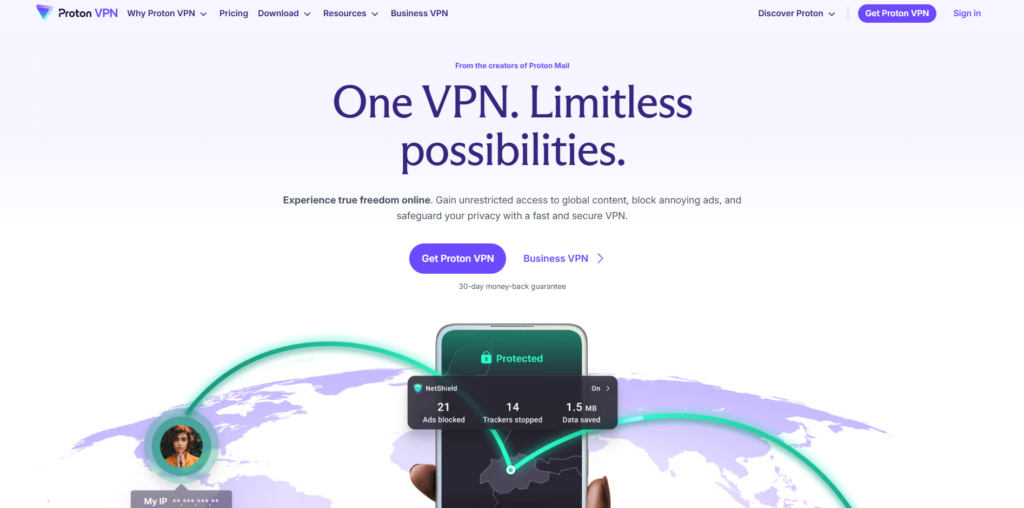
4) Proton VPN — Best for privacy-first streaming
If your streaming VPN is also your everyday privacy VPN, Proton VPN is worth a close look. It’s built with a privacy-first mindset and tends to feel thoughtful and transparent in how it presents options. For streaming, it performs well when you choose the right servers and keep expectations realistic about faraway regions on congested networks.
Proton VPN is a strong pick for people who want to stream on a VPN at home without feeling like they’re trading away usability. The apps are modern, and the experience is generally clean—especially once you’ve found the server locations that work best for your needs.
Downside: It may take slightly more experimenting to find your “best” streaming servers than with the most streaming-optimized picks. If you want a one-click streaming setup for a household, Surfshark (or ExpressVPN) tends to be simpler.

5) CyberGhost — Best for beginners who want streaming-friendly options
CyberGhost is a good pick if you want a streaming-friendly VPN but don’t want to spend time figuring out server choices. For streaming, the experience often feels guided: you can typically find relevant locations quickly, and the overall setup process is approachable.
It’s also a strong “family tech” candidate if you’re setting up a VPN for someone else. The easier a VPN is to navigate, the less likely someone is to turn it off the moment they hit a hiccup.
Downside: If you’re sensitive to speed fluctuations or you stream across very distant regions often, you may prefer NordVPN for consistency. If you need unlimited devices, Surfshark has the cleanest advantage.
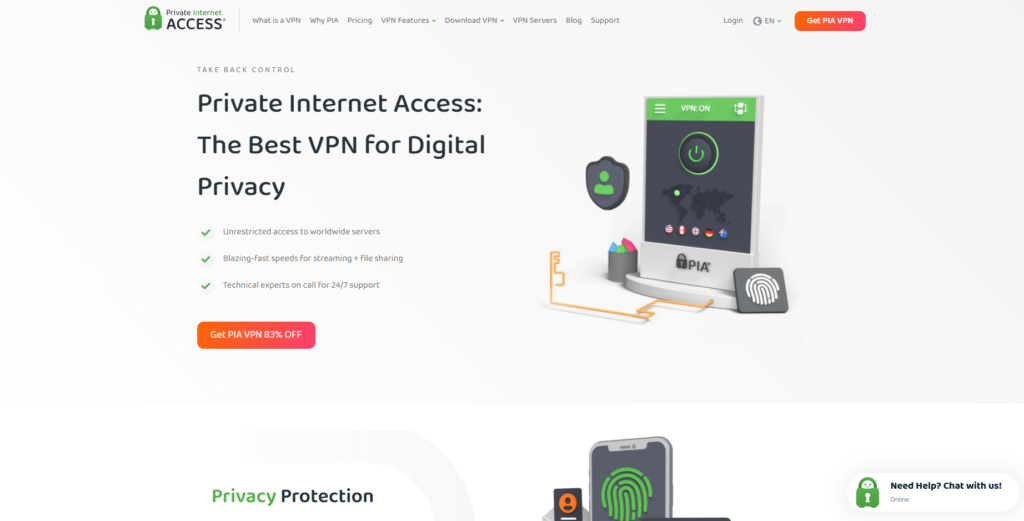
6) Private Internet Access — Best for tinkerers who stream
Private Internet Access (PIA) is a good fit if you like having control. For streaming, that means options: you can often adjust settings to better suit your network conditions, your devices, or the kinds of sites and apps you use. If you’ve used VPNs for a while and know what you like, PIA can be a rewarding choice.
PIA can also be a smart pick for multi-purpose use—streaming, daily browsing, and travel—especially if you appreciate configuration. Some users prefer a VPN that’s less “guided” and more transparent about what’s happening behind the scenes.
Downside: If you want the most beginner-friendly streaming setup, CyberGhost or ExpressVPN may feel easier. If you want the most consistent “plug-and-play” speed, NordVPN tends to be the safer bet.
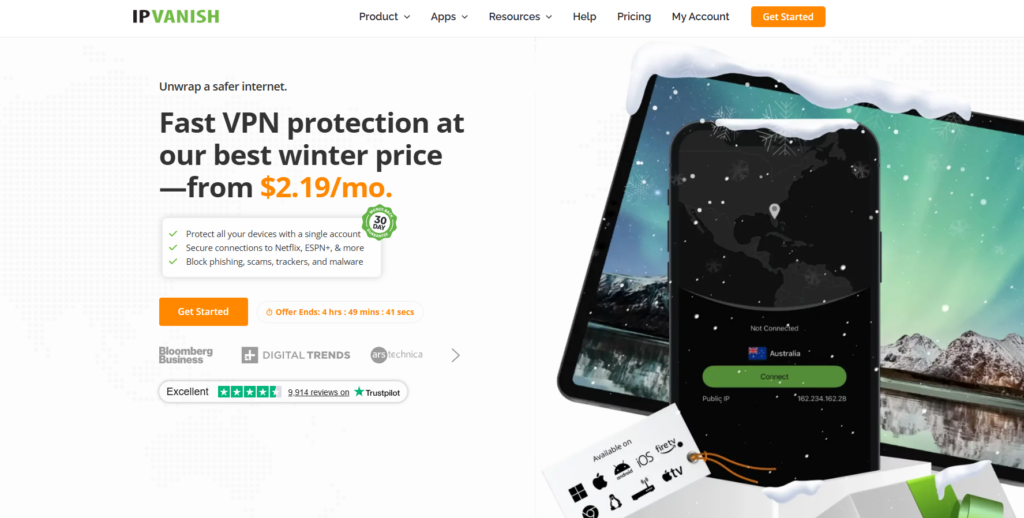
7) IPVanish — Best for straightforward streaming on a budget
IPVanish is a solid pick if you want a capable VPN that’s easy to understand and primarily focused on doing the basics well. For streaming, it’s most appealing when you’re staying closer to home regions and you want something dependable enough for daily use without paying top-tier pricing.
It’s also a good option if you’re setting up a VPN for simple use cases: protecting a tablet on public Wi-Fi, streaming on a laptop in a hotel, or keeping a few devices covered without learning a lot of settings.
Downside: If you want the most consistent performance across many regions, NordVPN (or ExpressVPN) tends to be a safer choice. If you need unlimited devices, Surfshark is still the household MVP.
At-a-glance: the 7 picks side by side
| VPN | Best for | Streaming strength | Primary tradeoff |
|---|---|---|---|
| NordVPN | Most people | Fast, consistent, great all-around | Typically premium pricing |
| Surfshark | Families, many devices | Strong performance + unlimited devices | Less consistent on faraway routes |
| ExpressVPN | Simplicity | Very stable, easy on streaming devices | Often costs more |
| Proton VPN | Privacy-first streaming | Strong when you choose the right servers | May require a little experimenting |
| CyberGhost | Beginner-friendly streaming | Approachable, “guided” feel | Not always the most consistent globally |
| Private Internet Access | Tinkerers | Flexible, configurable | Less plug-and-play |
| IPVanish | Budget streaming basics | Capable for common use | Not the most “premium” feel |

What matters for streaming VPNs
When people say “I need a VPN for streaming,” they usually mean one of two things:
- They want reliable playback on shared networks (hotels, cafés, rentals, airports) without buffering or random disconnects.
- They want location flexibility for travel viewing, which often means switching regions and getting consistent results without spending 20 minutes troubleshooting.
To do that well, a streaming VPN needs four practical strengths:
- Consistent speeds, not just peak speeds. A VPN can test “fast” and still perform poorly if it wobbles during peak hours or on long routes.
- Quick reconnects. If your phone switches from Wi-Fi to cellular or you change hotels, you want the VPN to reconnect smoothly without breaking your streaming app.
- Good device coverage. Streaming happens everywhere: phones, tablets, laptops, smart TVs, streaming sticks. The easiest VPN is the one that supports your reality.
- Low-friction server switching. If one location is slow, you should be able to switch and move on.
What matters less than people expect: raw server counts, an endless country list, and complicated feature menus. Those can be useful in edge cases. But if a VPN makes streaming harder—by breaking apps, slowing connections, or confusing your household—it’s not doing its job.
A simple streaming test you can do at home
Turn on the VPN. Start a stream in HD or 4K. Then do something else on the network—download a large file, scroll social feeds, or join a short video call. A good streaming VPN shouldn’t collapse under normal household usage. If it does, you’ll feel it on travel Wi-Fi.
Streaming on TVs & streaming sticks
Streaming on a laptop is easy: install the VPN, connect, watch. The tricky part is the living room. Smart TVs and streaming sticks don’t always support VPN apps cleanly, and some homes rely on a shared streaming device for everyone.
There are three common ways people stream with a VPN in the living room:
- Native VPN app on the TV (if supported). This is the simplest—if it exists for your device.
- VPN app on a streaming stick (like Android TV-based devices). This can work well and keeps everything in one place.
- VPN on a router, so the TV is protected without installing anything on it. This is the cleanest solution for whole-home coverage, but setup is more advanced.
If you want streaming that’s easy for the whole household, prioritize VPNs with clear device support and apps that don’t require constant babysitting. This is a major reason NordVPN, Surfshark, and ExpressVPN usually rise to the top for streaming: they’re built to be used across lots of devices by normal humans.
| Device type | What to look for | Easiest picks |
|---|---|---|
| Smart TV | Simple app experience or router support | ExpressVPN, NordVPN, Surfshark |
| Streaming stick / Android TV | Clean app + stable playback | NordVPN, ExpressVPN, Surfshark |
| Laptop | Speed + easy server switching | NordVPN, Surfshark, Proton VPN |
| Phone / tablet | Quick reconnects on network changes | NordVPN, Surfshark, CyberGhost |
Speed & consistency: the “buffer test”
For streaming, speed is less about top numbers and more about stability. A VPN can be “fast” but still annoying if it fluctuates. That fluctuation is what triggers sudden drops in resolution, long loading spinners, or the dreaded mid-scene buffer.
NordVPN tends to win here because it stays consistent across regions and during long sessions. Surfshark is fast and capable, but it can be slightly less predictable on distant routes or congested networks. ExpressVPN is often the “smooth operator” choice—less about a huge toolset, more about stable, calm performance.
Proton VPN, CyberGhost, PIA, and IPVanish can all stream well, but they’re more sensitive to picking the right server and matching the VPN to your setup. If you’re willing to do a little experimenting, you can get excellent results. If you want plug-and-play reliability, the top three picks are the easiest path.
The fastest fix when streaming stutters
- Switch to a nearby server first (same country or a neighboring one).
- If you’re on hotel Wi-Fi, try another server in the same region rather than jumping continents.
- Restart the stream after switching servers—some apps hold onto the old connection for a moment.
- If your VPN has split tunneling, try excluding one picky streaming app only if needed.
Feature comparison (streaming-focused)
Streaming doesn’t require a huge feature list, but a few features can make life easier—especially on shared devices and travel networks. Here’s how the top seven compare in the areas that matter most for streaming comfort.
| VPN | Streaming ease | Speed stability | Multi-device friendliness | Best vibe |
|---|---|---|---|---|
| NordVPN | High | High | High | Premium all-around |
| Surfshark | High | Very good | Excellent | Household value |
| ExpressVPN | Excellent | High | High | Simple & steady |
| Proton VPN | Good | Good | Good | Privacy-first |
| CyberGhost | Very good | Good | Good | Beginner-friendly |
| Private Internet Access | Good | Good | Good | Configurable |
| IPVanish | Good | Good | Good | Streaming basics |
Pick the best streaming VPN by scenario
If you know your situation, choosing gets easier. Use the table below to match your streaming habits to the VPN that fits best. (And remember: you can’t “out-VPN” a truly terrible network. For hotel Wi-Fi, stability matters more than hype.)
| Scenario | Best pick | Good alternatives | Why |
|---|---|---|---|
| Streaming at home on fast internet | NordVPN | ExpressVPN, Surfshark | High speed + stable playback without fuss |
| Family streaming on many devices | Surfshark | NordVPN, CyberGhost | Unlimited devices keeps everything covered |
| Frequent travel (hotels, airports) | NordVPN | ExpressVPN, Surfshark | Quick reconnects and consistent performance |
| Streaming on smart TV / stick | ExpressVPN | NordVPN, Surfshark | Simple experience on streaming hardware |
| Privacy-first, streaming included | Proton VPN | NordVPN | Strong privacy approach with solid streaming results |
| You like customizing settings | Private Internet Access | Proton VPN | More control for advanced users |
| Budget-friendly streaming basics | IPVanish | CyberGhost | Capable performance without a premium feel |
Pros & cons (top two picks)
Most readers narrow this list to NordVPN vs Surfshark. Here’s the cleanest comparison for streaming: NordVPN is the “most consistent” pick; Surfshark is the “cover everything” pick.
NordVPN
- Excellent streaming stability (great for 4K)
- Quick server switching and reliable reconnects
- Polished apps across devices
- Strong travel performance
Tradeoffs
- Typically priced as a premium option
- Device cap can matter in big households
Surfshark
- Unlimited devices (ideal for families)
- Simple apps—easy to roll out to everyone
- Strong value on longer plans
- Great for group travel
Tradeoffs
- Performance can be slightly less consistent on distant routes
- Fewer advanced tools than NordVPN
Who it’s for / not for
This roundup is for you if…
- You stream on travel networks (hotels, rentals, airports) and want fewer headaches.
- You stream on multiple device types—phone, laptop, TV—and want one solution.
- You care about stable playback more than random extra features.
- You want the tradeoffs explained clearly, not buried behind jargon.
You might not need a streaming VPN if…
- You only stream at home, never travel, and your network is already stable.
- You rarely use public Wi-Fi and don’t need location flexibility.
- You’re comfortable streaming without a VPN and have no reason to add one.
That said, many people use a VPN for general online privacy and happen to stream with it on. If that’s you, prioritize reliability. A VPN you turn off to make streaming work isn’t helping.

Decision guide
If you want the cleanest answer: choose NordVPN unless unlimited devices is a major advantage for your home. It’s the best balance of speed, stability, and ease for streaming in real conditions.
Choose Surfshark if you have a device-heavy household. Unlimited devices is one of the few VPN perks that changes daily life. It turns “who’s logged in?” into “everything’s covered.”
Choose ExpressVPN if you’re prioritizing simplicity and streaming-device friendliness. It’s the option we’d hand to someone who wants a calm, dependable experience and doesn’t want to troubleshoot.
Choose Proton VPN if streaming is part of a broader privacy-first setup and you don’t mind a little experimentation to find the best server choices for your viewing habits.
Choose CyberGhost if you want a beginner-friendly streaming experience and a guided feel that helps you get to the right locations quickly.
Choose PIA if you like control and are comfortable tweaking settings to match your network conditions—especially if you use your VPN for more than streaming.
Choose IPVanish if you want a capable, straightforward VPN for streaming basics on a budget—particularly when you’re not constantly jumping across faraway regions.
FAQs
What makes a VPN “good for streaming”?
A streaming VPN should be stable, fast enough for HD/4K, and easy to use across your devices. In real life, that means quick reconnects on network changes, predictable performance during long sessions, and simple server switching when you need it.
Do I need a VPN app on my TV?
Not necessarily. Some people use a VPN app directly on the TV or streaming stick. Others set up a VPN on a router so the TV is protected without installing anything. The “best” approach depends on your hardware and how comfortable you are with setup.
Why does streaming sometimes buffer more with a VPN?
A VPN adds a small amount of overhead and can route your traffic through a different path. If that path is congested—or if you choose a faraway server—you can see more fluctuation. The fastest fix is usually choosing a closer server or switching to another server in the same region.
Which VPN is best for a big family?
Surfshark is the easiest recommendation for families because unlimited devices removes the most common household headache: device caps. If your family streams across phones, tablets, laptops, and TVs, Surfshark’s approach is hard to beat.
Which VPN is best if I travel a lot?
NordVPN is the best travel pick for most people because it tends to reconnect quickly and maintain stable performance on unpredictable networks. ExpressVPN is also an excellent travel choice if you want maximum simplicity on streaming devices.
Final Thoughts
Best overall: NordVPN. If you want a streaming VPN that’s fast, stable, and easy to live with across devices, this is the most balanced choice.
Best for households: Surfshark. If you have lots of devices (or lots of people), unlimited connections is the perk you’ll actually feel. It’s the best value choice for families.
And if your priority is maximum simplicity on streaming hardware, ExpressVPN is an excellent third option. The best VPN is the one you leave on—and these top picks make that easy.
